Transform Your Designs with Cinematic Lens Glow Light Effects
If you’ve ever looked at a movie poster or a high-end album cover and wondered how they achieved that specific "magic hour" lighting or that ethereal, dreamlike atmosphere, the answer often lies in post-production overlays. While typography and composition are the bones of design, lighting is the soul. This is where the Lens Glow Light Effects pack steps in, offering a curated set of tools specifically designed to inject life, emotion, and professional polish into your digital assets.
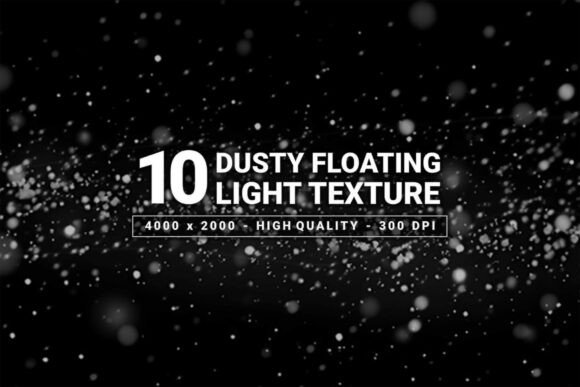
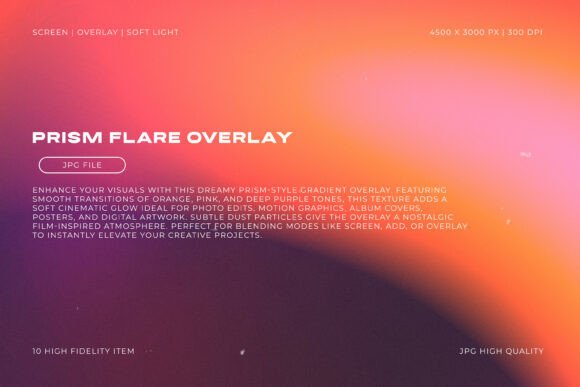
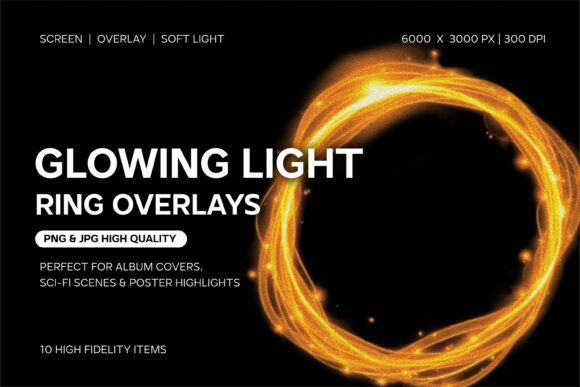
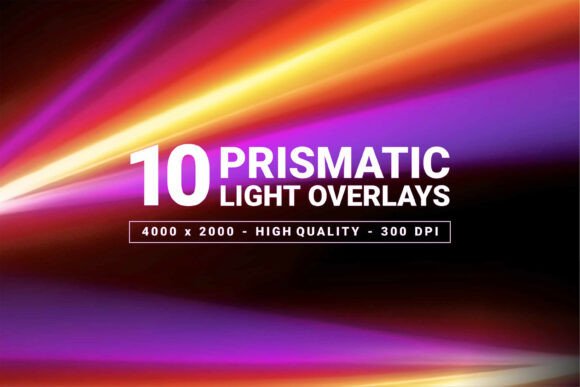
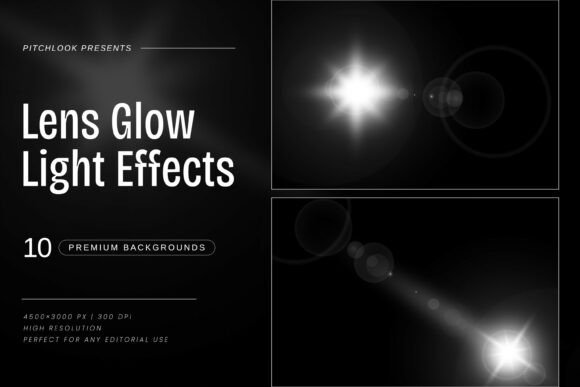
Unlike generic filters that simply wash out your image, this premium pack contains 10 distinct, high-resolution effects that mimic the behavior of actual camera lenses interacting with light sources. We are talking about realistic flares, soft bokeh, and radiant highlights that feel organic rather than digitally forced. For the modern creative—whether you are a graphic designer, a social media manager, or a small business owner—manipulating light is a powerful way to guide the viewer's eye and establish a mood instantly.
The Aesthetic Appeal: Why Lens Flares Matter in Modern Design
There is a reason why lens flares have remained a staple in visual storytelling for decades. They add a layer of dimension and realism that flat graphics often lack. The Lens Glow Light Effects pack taps into this by providing elements that look like they were captured in-camera. This isn't just about adding a yellow blob to a corner; it’s about creating depth. The effects included here feature a variety of textures, from sharp, star-burst flares to soft, diffused glows that wrap around your subject matter.
The personality of these effects is undeniably cinematic. They evoke feelings of warmth, nostalgia, futurism, or high-energy excitement, depending on how you apply them. For instance, a soft, warm glow can make a food blog photo feel cozy and inviting, while a sharp, cool-toned flare can make a tech startup’s logo feel cutting-edge and innovative. The versatility of the Lens Glow Light Effects lies in their ability to adapt to the context of your existing color palette and composition.
Practical Applications Across Different Industries
Understanding where to use these effects is just as important as having them. The applications for Lens Glow Light Effects extend far beyond simple photo editing. Here is how different professionals can leverage this asset:
- For Social Media Managers and Marketers: In a crowded feed, stopping the scroll is everything. Applying a subtle lens flare to a call-to-action button or a product shot can draw immediate attention. It creates a focal point that separates the subject from the background noise.
- For UI/UX Designers: While minimalism is key in interface design, adding a touch of light to a "Success" state or a background image can elevate the user experience. It adds a layer of polish that suggests high quality and attention to detail.
- For Publishers and Bloggers: Header images are the gateway to your content. Using these effects can turn a standard stock photo into a unique editorial piece. It helps in establishing a consistent visual language for your brand identity, making your site instantly recognizable.
- For Musicians and Content Creators: Album art and YouTube thumbnails rely heavily on atmosphere. The Lens Glow Light Effects pack allows you to create that "studio quality" look without needing expensive lighting rigs during the shoot.
Integrating Light Effects into Your Brand Identity
Consistency is the cornerstone of brand recognition. When you decide to incorporate Lens Glow Light Effects into your workflow, you are making a strategic decision about your brand's personality. Are you a brand that is warm and approachable? Or are you sleek and futuristic? The way you use light defines this perception.
Consider using a specific type of flare consistently across your packaging design and web design. For example, if you run a boutique travel agency, a consistent warm, sun-kissed glow across all your brochures and Instagram posts reinforces the idea of sunny destinations. This consistency builds trust. When a customer sees that specific lighting treatment, they immediately associate it with your brand, even before reading the text.
Technical Specifications and Workflow Efficiency
From a production standpoint, the Lens Glow Light Effects pack is built for efficiency. Delivered as JPG files with a resolution of 4500 × 3000 px at 300 DPI, these assets are print-ready. You don't have to worry about pixelation when applying them to large format prints like posters or trade show banners.
The workflow is straightforward. Because these are high-quality raster images, they can be imported into virtually any design software, including Adobe Photoshop, Illustrator, Affinity Photo, or even Canva. The standard technique involves placing the glow effect over your artwork and changing the blending mode to "Screen" or "Lighten." This removes the black background of the JPG file, leaving only the beautiful light elements behind. This non-destructive editing method allows you to experiment freely without ruining your original artwork.
Tips for Choosing and Testing Effects
Not every glow works for every project. When evaluating the Lens Glow Light Effects for your next project, keep these practical considerations in mind:
- Match the Light Source: A realistic design implies that the light flare is coming from a logical source, such as the sun, a lamp, or a reflection. Avoid placing a flare in a dark corner where no light source exists; it will look unnatural.
- Opacity is Key: Rarely do you want a lens flare at 100% opacity. Subtlety is the mark of a professional designer. Lower the opacity until the effect enhances the image rather than overpowering it.
- Color Grading: While the pack provides the light shape, you may need to adjust the color to fit your specific color scheme. A simple "Hue/Saturation" adjustment layer clipped to the effect can change a warm yellow flare to a cool blue one to match a corporate brand identity.
Ultimately, the goal of using Lens Glow Light Effects