Adding Cinematic Depth with the Dusty Floating Light Texture Pack
The Anatomy of Atmospheric Overlays
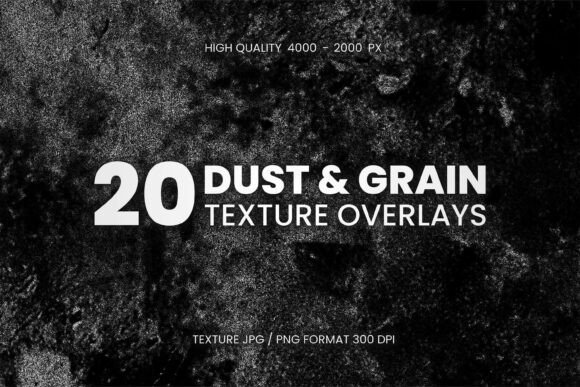
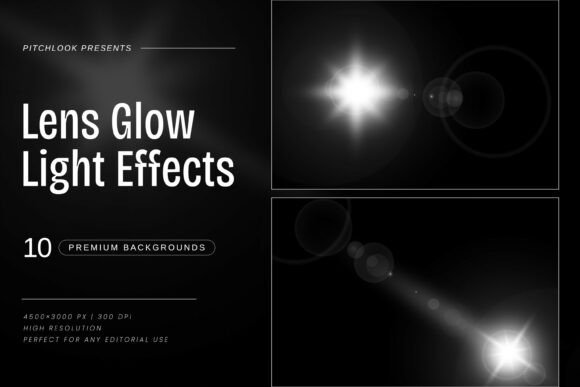
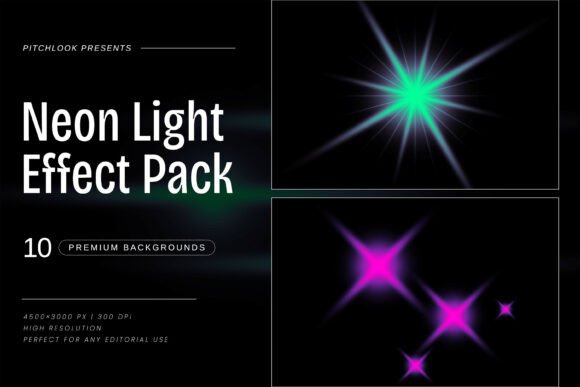
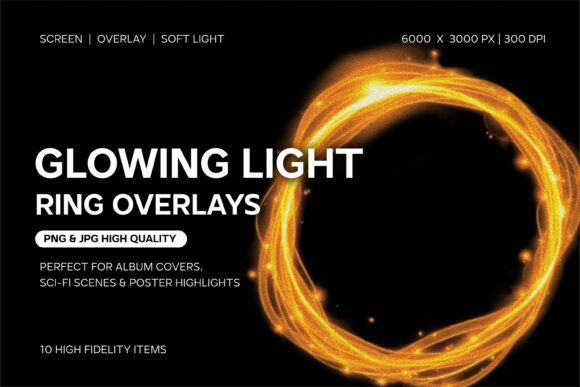
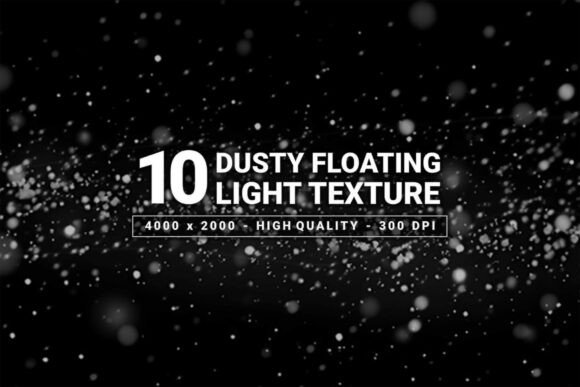
When you are working on a project that requires a specific mood—something cinematic, moody, or deeply atmospheric—standard filters often fall flat. You need assets that mimic the way light interacts with the physical world. This is exactly where the Dusty Floating Light Texture Pack excels. It is not just a collection of random specks; it is a carefully curated set of overlays featuring soft particles, subtle glows, and the kind of depth that makes an image feel tangible. By placing these textures over a dark background, you immediately introduce a sense of motion and realism that is difficult to achieve through digital rendering alone. The visual personality of this pack is grounded in elegance and drama. It captures the way dust motes dance in a beam of sunlight or the way particles drift through a dimly lit room, creating a bridge between a flat graphic and a lived-in scene.
The strength of the Dusty Floating Light Texture Pack lies in its ability to add texture without overpowering the main subject. Whether you are a photographer looking to enhance a portrait, a motion graphic designer needing a transition element, or a digital artist building a composite, these overlays provide the "glue" that ties disparate elements together. The soft dispersion of light ensures that the grain and particles blend seamlessly, adding a layer of professionalism that elevates the final output.
Real-World Applications: From Digital Branding to Editorial Design
Understanding where to apply these textures is key to maximizing their value. In the realm of web design and social media graphics, attention is the currency. A static background can often feel sterile, but adding a layer of the Dusty Floating Light Texture Pack can transform a simple header or Instagram story into a captivating visual. For entrepreneurs and small business owners, this is a powerful tool for brand identity. If your brand leans toward the premium, the artistic, or the luxurious, these textures help communicate that quality instantly. Imagine a dark-themed website for a high-end coffee roaster or a boutique hotel; the floating particles add a sensory layer that text and flat colors cannot achieve.
For those involved in editorial design and packaging design, the applications are equally potent. Book covers, particularly in genres like fantasy, mystery, or romance, rely heavily on atmosphere. The Dusty Floating Light Texture Pack can be used to create vignettes or to add a sense of age and history to a cover design. Similarly, in packaging, a subtle dust overlay can suggest rarity or craftsmanship. It is also an invaluable asset for video editors. When working with motion graphics, using these textures as overlays can create beautiful light leaks and transitions that add a cinematic quality to video content, making the production value feel significantly higher.
Integrating Texture with Typography and Visual Hierarchy
One of the more nuanced uses of a texture pack is how it interacts with typography. In modern logo design or editorial design, the relationship between the background and the text is critical for readability. The Dusty Floating Light Texture Pack is designed with this in mind. Because the particles are soft and the glow is subtle, they create depth behind the text rather than competing with it. When selecting a display font or a serif font to pair with these textures, consider the weight and style. A bold, geometric sans serif font can stand out sharply against the floating dust, creating a modern, high-contrast look. Conversely, a flowing script font or handwritten font can take on an ethereal, dreamlike quality when layered over these particles.
To maintain visual hierarchy, it is important to use the textures strategically. You might apply the texture heavily in the margins of a poster or website background, but fade it out or clear it entirely in the center where the primary call-to-action or headline sits. This ensures that the atmosphere enhances the design rather than cluttering it. The goal is to use the Dusty Floating Light Texture Pack to guide the viewer's eye, using the natural flow of the particles to lead them toward the focal point of your composition.
Practical Workflow and Technical Considerations
From a practical standpoint, integrating this design asset into your workflow is straightforward, provided you pay attention to the technical specifications. The files are provided in high-resolution JPG and PNG formats at 4000 x 2000 pixels. This resolution is sufficient for most print and digital applications, but if you are working on large-scale print projects, such as event backdrops or wide-format posters, you may need to upscale or tile the images. The RGB color mode is optimized for screen display, ensuring vibrant glows and true-to-life particle colors, though it is always advisable to soft-proof your work if converting to CMYK for print to ensure the subtle glows don't wash out.
When using these textures, your blending mode settings in software like Photoshop or Affinity Photo will be your best friend. Typically, "Screen" or "Lighten" modes work best for removing the black background and leaving only the light and dust. However, experimenting with "Overlay" or "Soft Light" can yield interesting results, perhaps desaturating the image first to use the texture purely for grain and contrast. Always consider the licensing of your commercial font and assets; while these textures are generally royalty-free for commercial use, double-checking the terms ensures your brand identity assets remain legally sound. By treating the Dusty Floating Light Texture Pack as a versatile component of your toolkit rather than just a filter, you can consistently produce work that feels polished, professional, and deeply atmospheric.